Three ways to create, depending on how much help you want:
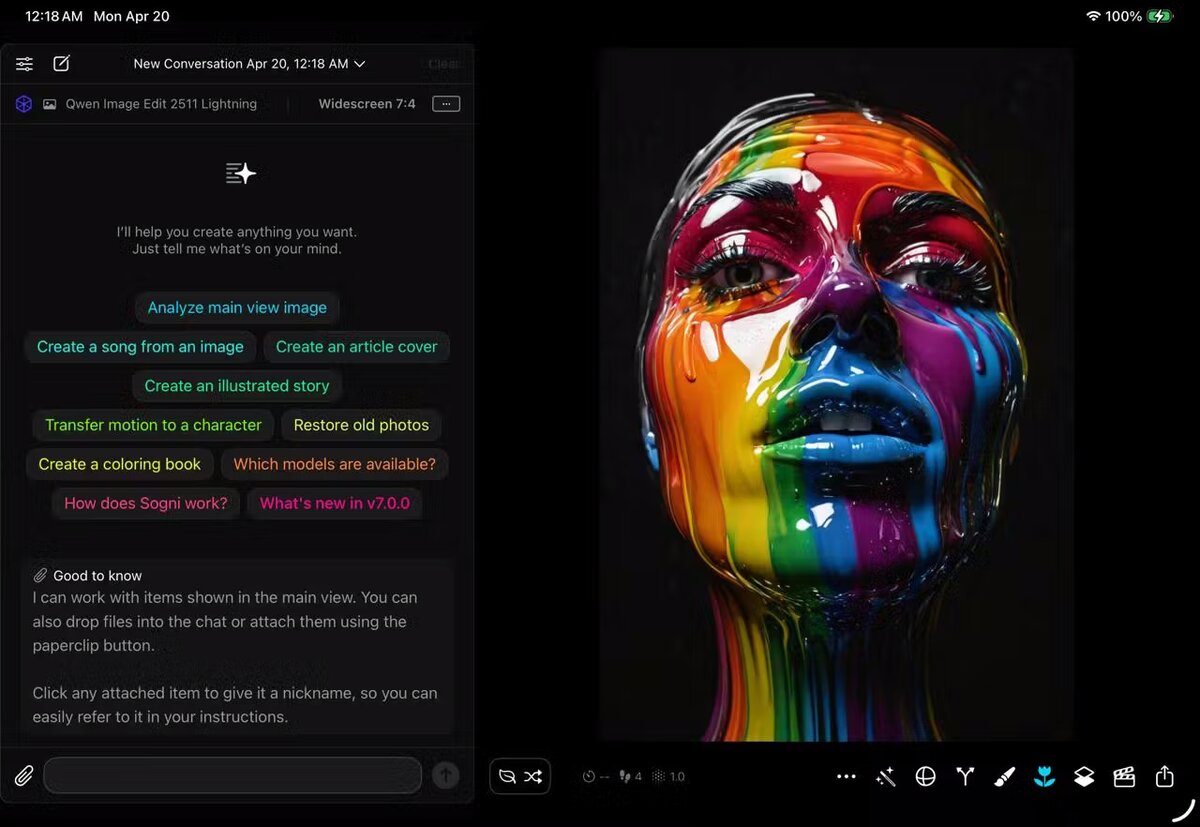
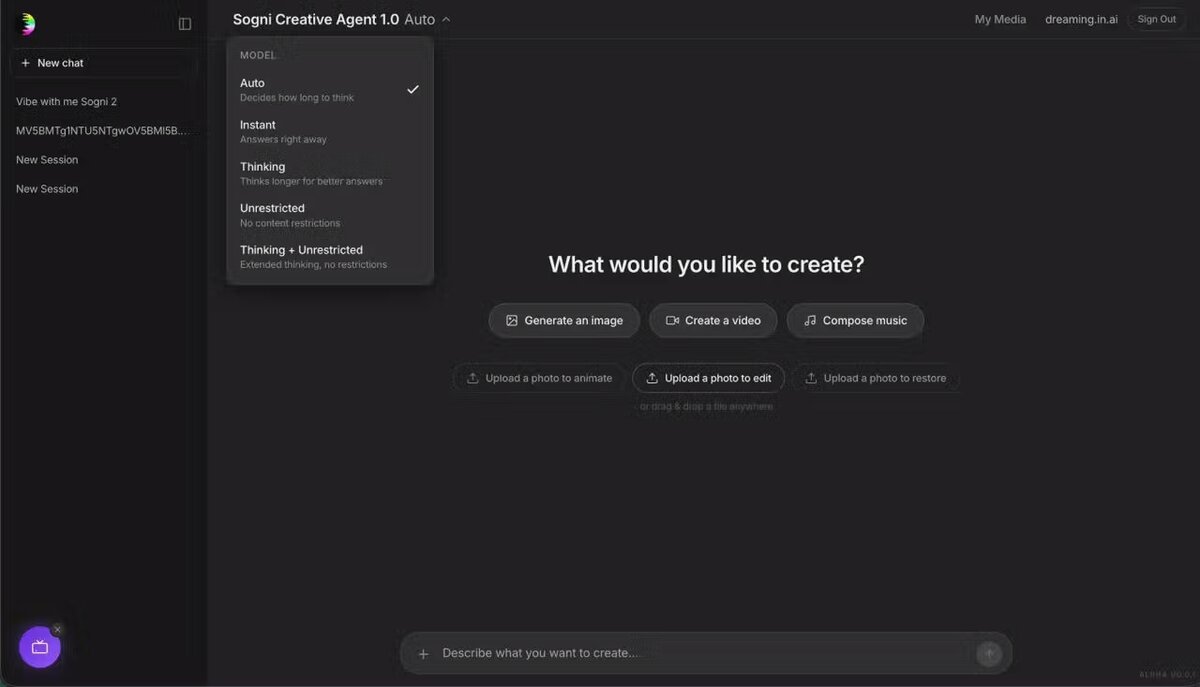
Agent mode — chat-first creation. Tell it what you want and it picks models, writes prompts, and runs multi-step workflows for you.
Guided mode — chat with controls. The assistant helps, you decide.
Manual mode — the classic Sogni workflow, untouched.
It handles image generation, editing, video and music creation, prompt writing, model selection, settings, media analysis, and multi-step flows — and understands the Sogni UI, Supernet, assets, and system logic, while respecting your safety filter settings. You handle the imagination.
AI Layer
Sogni Intelligence & chat.sogni.ai
A new chat app, a smarter AI layer, and OpenAI-compatible APIs.
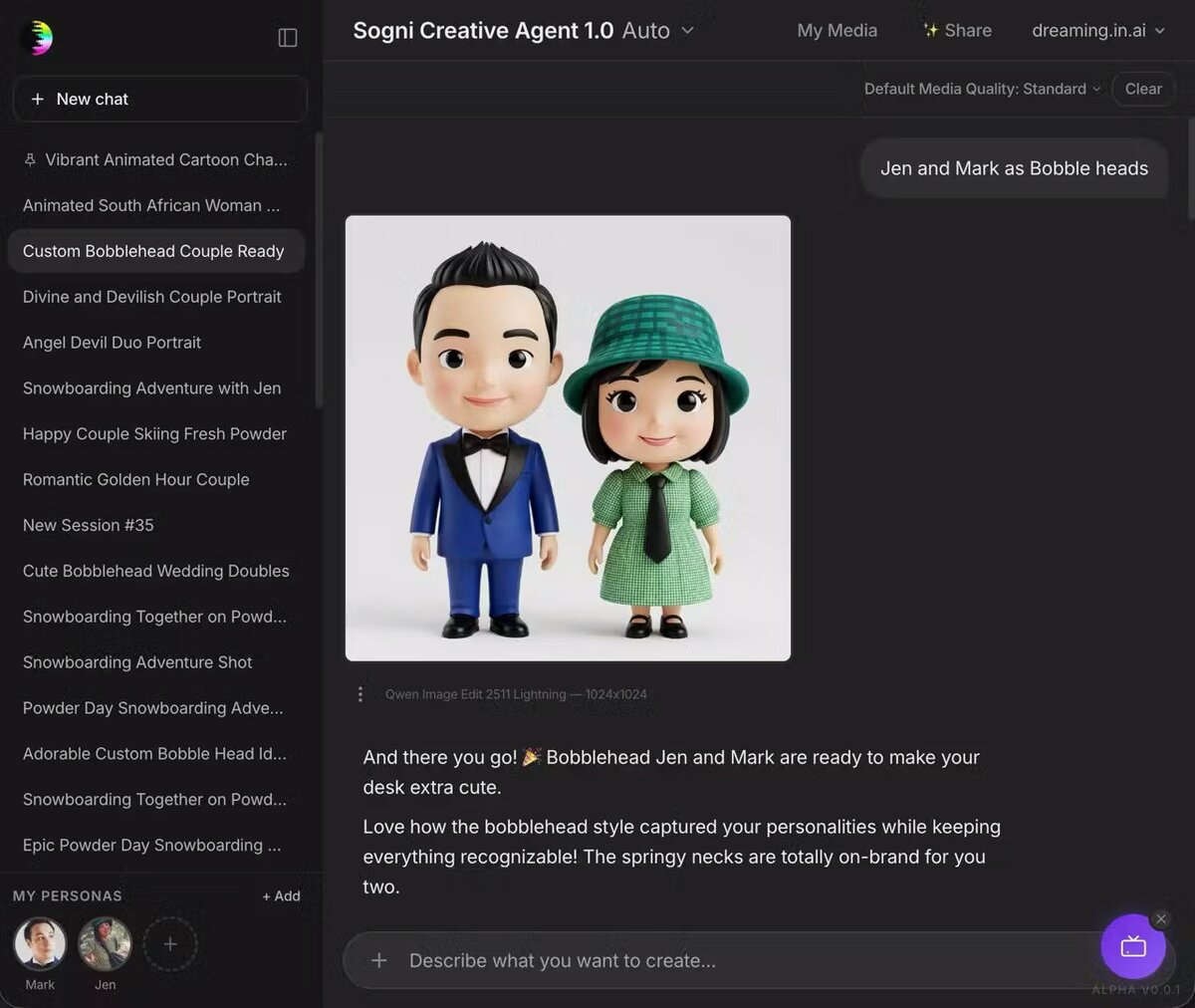
We launched Sogni Creative Agent — a new standalone chat-based app at chat.sogni.ai. Familiar ChatGPT-style interface, but every reply can call Sogni tools to generate across image, video, audio, and beyond.
Under the hood, Sogni Intelligence just got a major upgrade: the new Qwen3.6-35B-A3B model lands with up to 40% better benchmarks and a 4× expanded 264k context window — enough chat memory to fit 2–3 entire novels.
Developers, this is yours to build with.
Use Sogni Intelligence via the decentralized compute network through Open WebUI, OpenClaw, Hermes Agent, or any OpenAI Chat Completions API compatible app. Point your AI at it and get to creating.
Personas lets you set an image and profile for yourself, your partner, your kids, your friends, your pets — once they're in, you can mention them by name and they show up. In the photo. In the video. In the right voice.
Define how they should sound in LTX-2.3 audio, add backstory the assistant uses when it builds scripts. It's the difference between generating a person and generating Mark.
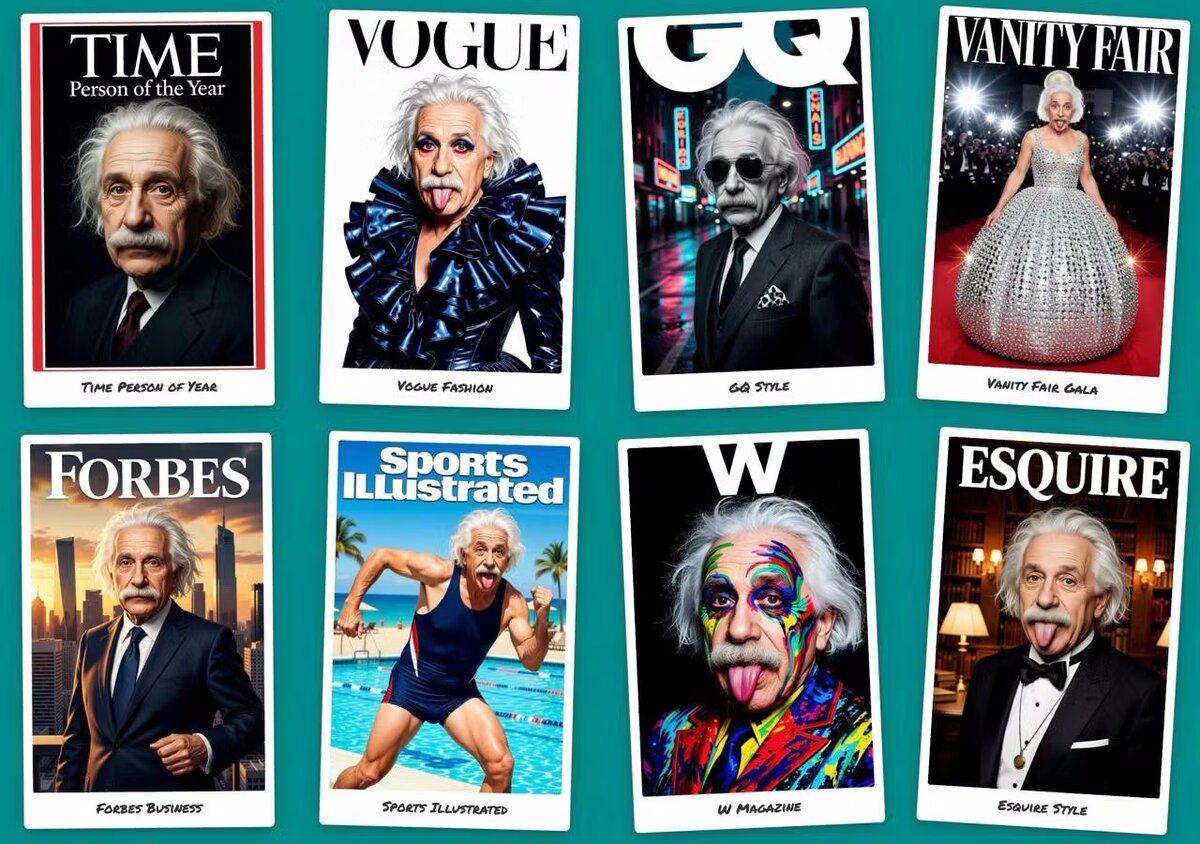
In Sogni Photobooth, you no longer pick from static presets. Just tell it what you want. Type "Put me on famous magazine covers" and it generates the categories on the fly.
Sogni 360 (Orbital Video Generator) now uses Sogni Intelligence to analyze your trip photos. It figures out the best transitions between objects across multiple images automatically. The result is perfectly smooth transition videos. No manual editing required.
Photobooth in action — one prompt, eight magazine-cover styles.
New iOS App
Sogni Restore
Bring old memories back to life.
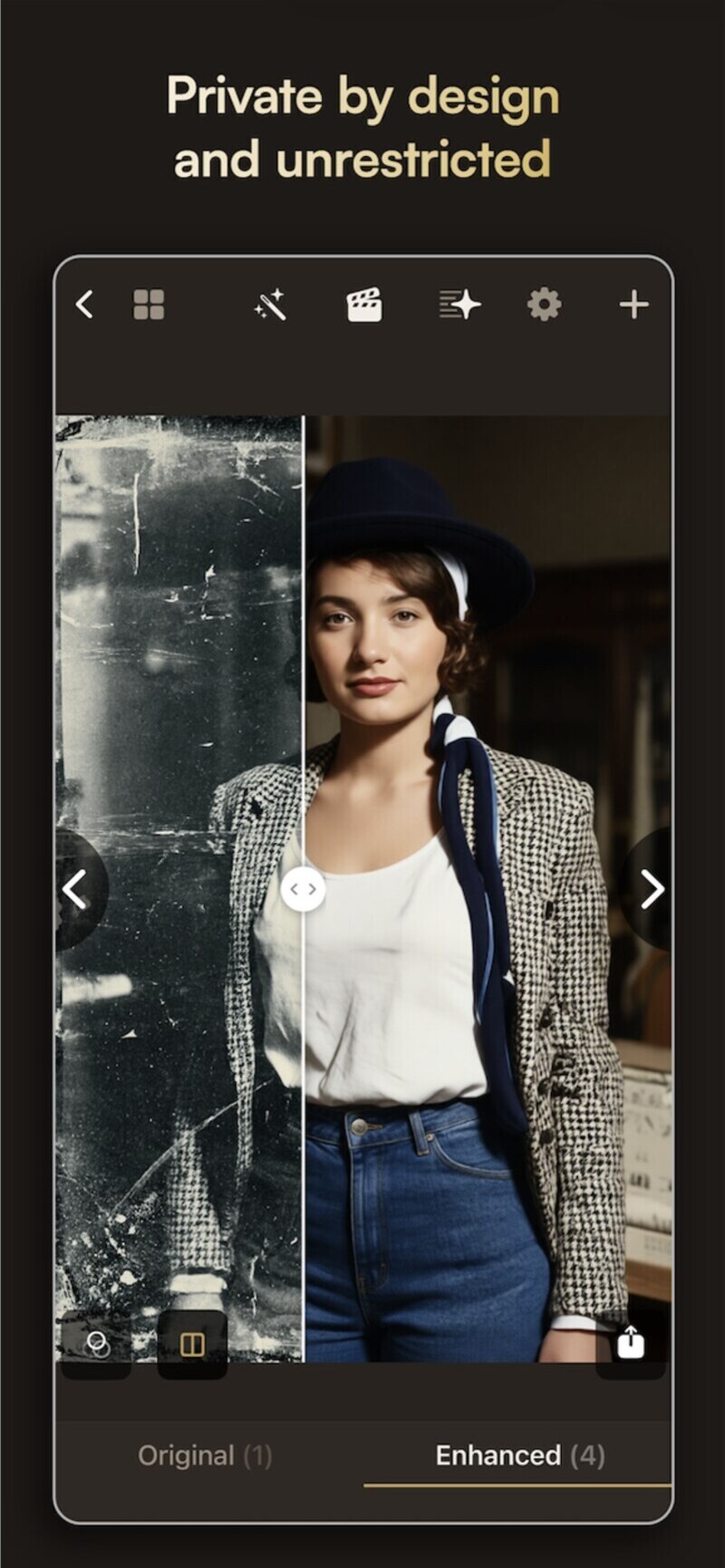
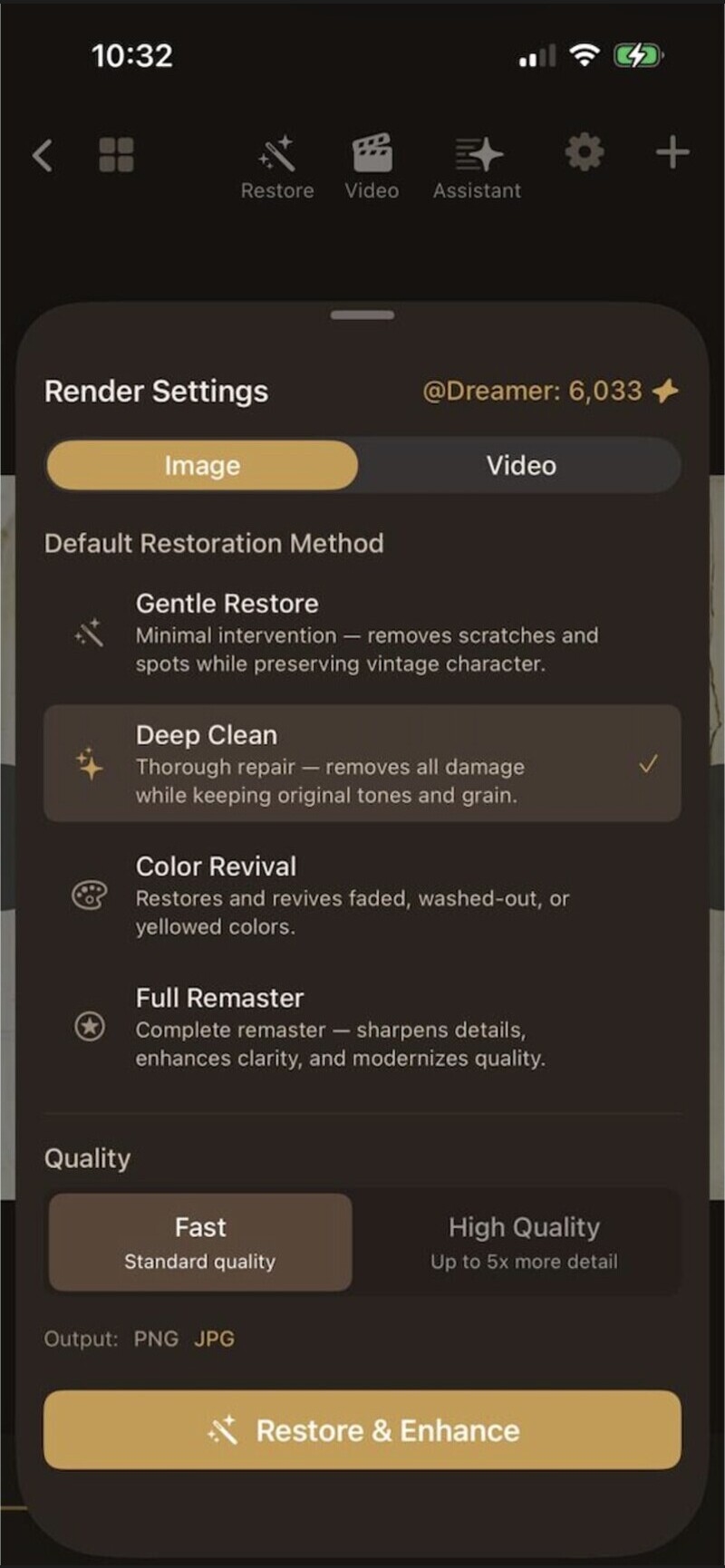
Sogni Restore is a new iOS app for AI-powered photo restoration and enhancement, powered by Sogni Intelligence. It brings old, damaged, faded, or poorly scanned photos back to life — preserving the original character of each image without ever making it look over-edited.
Fix what time damaged. Scratches, dust, stains, folds, fading, yellowing, and scan imperfections — all addressed automatically.
Improve quality, not character. Sharpness and color balance get a boost while the photo still looks like itself.
Turn stills into motion. Convert your restored photos into short cinematic videos, or generate new visual variations.
Guided by an AI Assistant. The built-in assistant helps you choose the right tools and make edits intuitively.
Project-friendly. Edit history, before-and-after comparison, organized projects, and export of images or videos.
New Season
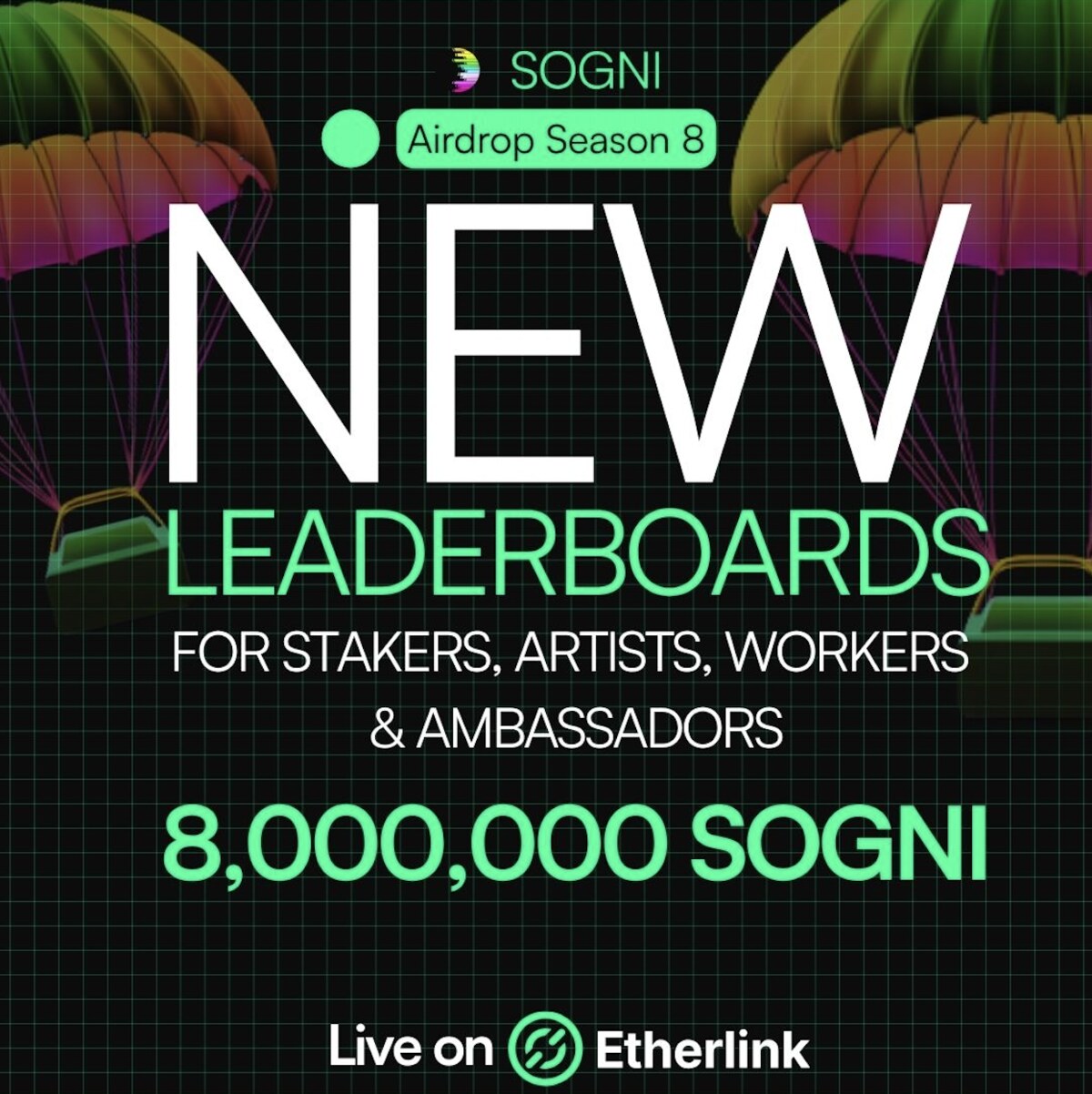
Season 8 is live
Season 7 wrapped. Season 8 launched March / April 2026 — six weeks to play.
Refreshed airdrop distribution:
40% Stakers
25% Ambassadors
20% Top 200 Artists
12% Top 200 Fast Workers
3% Top 200 Relaxed Workers
Updated leaderboard structure across the board. Pick your lane and go.
Ambassador Rewards
Bring a friend. You both earn.
The Sogni Ambassador Leaderboard rewards users who help grow the community. Share your referral link from any Sogni SuperApp — when a friend signs up and makes their first credit card purchase, you both get 25 render credits.
Ambassadors also earn from a share of the leaderboard reward pool based on purchases by them, their referrals, and second-level referrals.
We had an incredible time with you at EthCC[9] in Cannes. Between learning, conversations, and shared ideas, we created some truly unique visuals together.
A mix of education, creativity, and real connection — exactly what this community is about. Thanks for being part of it.
Community Highlights
Made by the community
Two reels worth your time. Just a small compilation — there's a lot more on our Discord.
Our community continues to surprise us with the range of work being created with Sogni. Each month brings new ideas, visual styles, and creative experiments that show how far these tools can be pushed.
Creator of the Month
Hadiprasetyo
This month we're spotlighting Hadiprasetyo for bringing a distinct style, strong consistency, and creative energy to the Sogni community. The work stands out not just for its quality, but for the clear sense of direction behind it.
Powering all the new agentic LLM features in Sogni Intelligence is the new Sogni LLM Worker — and you (yes, you) can operate a node and earn. Requires 24GB VRAM or more.
Earnings are based on input/output tokens generated, with pricing around ~$0.30 per 1M input tokens and ~$0.90 per 1M output tokens.
To install: make sure you have a recent Fast Worker installer and re-run the install script:
Six weeks of expansion — across product, personalization, and AI-powered experiences:
Unlimited Plan Subscriptions rolling out
Sogni Photobooth for Android and iOS — native apps continuing the rollout
Agentic AI getting a stronger product + marketing push
Sogni LoRA training — train your own personalization
Seedance 2.0 on the way
Tutorials & techniques
Learn with Sogni
Four techniques worth a closer look this month.
Architecture · Tutorial
From sketch to finished vision
A rough architectural sketch can turn into something real in minutes — materials, colors, structure, landscaping, atmosphere. With Qwen Image Edit and Flux 2 inside Sogni, edits move fast. With Start & End Frame in LTX or WAN, you can turn that first sketch into a transition a buyer instantly connects with.
Tools · Tutorial
PaintOver, when prompts aren't enough
PaintOver lets you guide image generation more directly. Instead of relying only on prompts, paint over specific parts of an image to show exactly what you want to change, add, or refine. The AI regenerates only that area, based on your input. A more precise way to iterate, adjust details, and build the result step by step.
Photobooth · Tutorial
Motion transfer, no prompt required
In Sogni Photobooth, you can create motion transfer without writing a prompt. Use the default settings and get started — no complicated setup, no steep learning curve. Built to keep things simple, so you can focus on creating and becoming whoever you want to be.
SuperApps · Tutorial
Give your product a new dimension
Not every great product speaks for itself visually — and that's normal. Sometimes the difference comes down to format, motion, and atmosphere. In Sogni Super Apps, we turn simple images into polished visuals designed to stand out — including animating your products with gentle motion that makes them pop.